
Choosing the right software for your business is not always easy. There are dozens of platforms, each claiming to be the best. After comparing features, reading reviews, and sometimes even trying a few demos, many businesses still end up unsure about which one actually fits their needs.
When it comes to managing customer relationships and employee learning together, the decision becomes even more important. A well-designed Learning Management System CRM can simplify training, improve customer engagement, and help teams work more efficiently from a single platform.
If you’re wondering how to choose the Best LMS CRM Software for Business, this guide walks you through the key factors that genuinely matter before making a decision.
Looking for the Right LMS CRM Solution?
Compare Features, Request a Free Demo, and Find the Best Fit for Your Business Today.
A Learning Management System CRM combines two essential business functions into one platform.
An LMS helps businesses create, deliver, and monitor employee or customer training. A CRM manages customer information, sales pipelines, communication history, and follow-ups.
When these systems work together, businesses can train employees, onboard customers, monitor learning progress, and manage client relationships without switching between multiple tools. From what I’ve seen, this usually saves time and reduces manual work that often gets overlooked.
Whether you run a startup, educational institution, healthcare company, manufacturing business, or enterprise organization, a modern LMS CRM Platform can improve both productivity and customer experience.
Many companies already use separate training software and CRM software. The challenge is that disconnected systems often create duplicate work and scattered information.
A centralized CRM with a Learning Management System helps businesses:
Instead of maintaining multiple systems, businesses can manage everything through one platform.
Want to Improve Employee Training and Customer Management?
Discover how one integrated LMS CRM Platform can simplify your daily operations.
Every organization has different requirements. Still, there are a few things that almost every business should evaluate before selecting software.
Before comparing software, define your objectives.
Ask questions like:
A clear understanding of your goals makes software selection much easier.
Your LMS CRM should integrate with existing business tools.
These may include:
Good integrations reduce manual work and improve data accuracy.
Every vendor highlights different capabilities. Focus on the features your business will actually use rather than the longest feature list.
Important LMS CRM Features and Benefits include:
The best solution is often the one that feels simple for your team, not necessarily the one with the most options.
Need Help Choosing the Best LMS CRM Software?
Talk with our experts and receive personalized software recommendations for your business.
Speak with an Expert
Employees should not need weeks of training just to learn the platform.
A clean dashboard, simple navigation, and intuitive interface encourage faster adoption across departments.
Even the most powerful software loses value if employees avoid using it.
Your business will grow.
Choose Learning Management Software for Businesses that can support:
Switching systems every few years can become expensive and disruptive.
Business data and employee information should remain protected.
Look for:
Security is something businesses usually appreciate only after a problem appears. It’s worth checking from the beginning.
A quality Best LMS CRM Software solution delivers benefits across multiple departments.
Better Employee Training
New hires learn faster through structured onboarding and training programs.
Improved Customer Experience
Customers receive better support because teams have complete information in one system.
Higher Productivity
Automation reduces repetitive administrative work.
Centralized Data
Training records, customer history, reports, and communications remain in one location.
Better Decision Making
Real-time dashboards help management make informed business decisions.
Increased Compliance
Certification reminders and training records simplify regulatory compliance.
Ready to Modernize Your Business Operations?
See how an integrated LMS CRM Platform can save time and improve productivity.
Almost every industry can benefit from a modern Corporate Training Management Software platform.
Common industries include:
Each industry has different training requirements, but the need to manage people and customer relationships efficiently is almost universal.
Many businesses make decisions too quickly.
Some common mistakes include:
Choosing based only on price
Ignoring future scalability
Overlooking customer support quality
Not requesting a live demonstration
Skipping user feedback
Focusing only on features instead of business goals
Taking a little extra time during evaluation often prevents costly changes later.
Compare Before You Invest
Get a customized LMS CRM comparison based on your business requirements.
Before making a final decision, ask vendors questions like:
A reliable software partner should answer these clearly and without avoiding details.
1. How do I choose the best LMS CRM software for my business?
Start by identifying your business goals, required integrations, user count, reporting needs, security requirements, and future growth plans. Then compare platforms based on usability, customization, support, and long-term value instead of price alone.
2. What is the difference between an LMS and a CRM?
An LMS manages employee or customer learning, training, certifications, and course delivery. A CRM manages customer relationships, sales activities, leads, and communication. A combined solution offers both in one platform.
3. Which businesses benefit most from an LMS CRM Platform?
Organizations in healthcare, education, IT, manufacturing, finance, retail, logistics, hospitality, and corporate training often benefit the most because they need both customer management and structured learning.
4. What features should I look for in the Best LMS CRM Software?
Look for course management, CRM integration, automation, reporting dashboards, mobile access, user permissions, certification tracking, cloud access, analytics, notifications, and customization options.
5. Can LMS CRM software improve employee productivity?
Yes. By simplifying onboarding, centralizing learning resources, automating repetitive tasks, and providing progress tracking, businesses can reduce manual work and help employees become productive more quickly.
6. Is a customized LMS CRM better than a ready-made solution?
It depends on your business processes. If your workflows are unique or require industry-specific functionality, a customized solution often provides better flexibility and supports long-term growth without forcing your team to adapt to generic software.
Looking for a Fully Customized Business CRM?
Discover a solution designed around your workflow instead of changing your workflow to fit the software.
Finding the right LMS CRM solution is about choosing software that supports your business today while remaining flexible for tomorrow. The ideal platform should simplify employee training, strengthen customer relationships, automate everyday processes, and provide clear insights that help your team make better decisions.
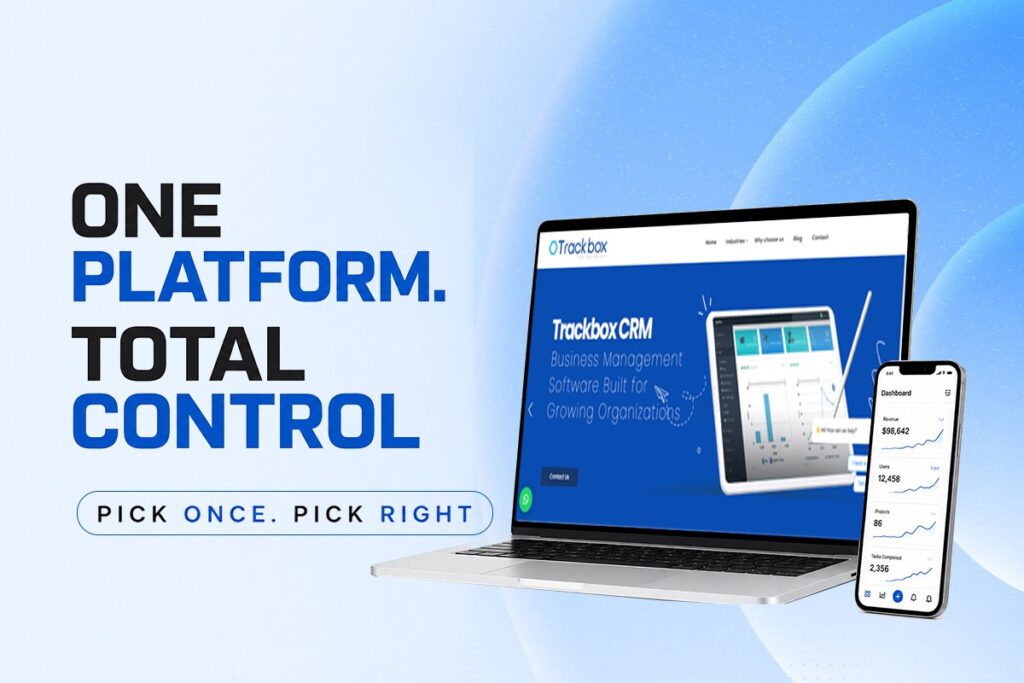
If you are searching for CRM Software, especially a fully customized CRM solution, UFS Technologies introduces Trackbox CRM Software. It is built to adapt to different industries and business processes rather than forcing businesses into a fixed system. Whether you need advanced Employee Training Software, a scalable Corporate Training Management Software, or a customized CRM with Learning Management System, Trackbox CRM can be tailored to match your exact requirements.
If you’d like to explore how a customized CRM can fit your organization, reaching out for a consultation or live demo is a practical next step. Sometimes seeing the software in action makes the decision much clearer.